
Raw AI output looks flat and generic. Color grading is what makes it look like a campaign. These are real examples from our DaVinci Resolve timeline.
Left of the line: the shot exactly as the AI generated it. Right: the same frames after our color grade in DaVinci Resolve. Drag the line across. These are from the Zahr fragrance commercial.
A live grading tool running in your browser. Start with a raw AI shot, or switch to camera footage and see log graded the same way.
Graded live, frame by frame, with the same kind of color math we use in DaVinci Resolve.
Three real frames from an aerial silk shoot. Left: the photo as the camera saved it, with the studio ceiling, lights and floor. Right: our retouched and graded version.
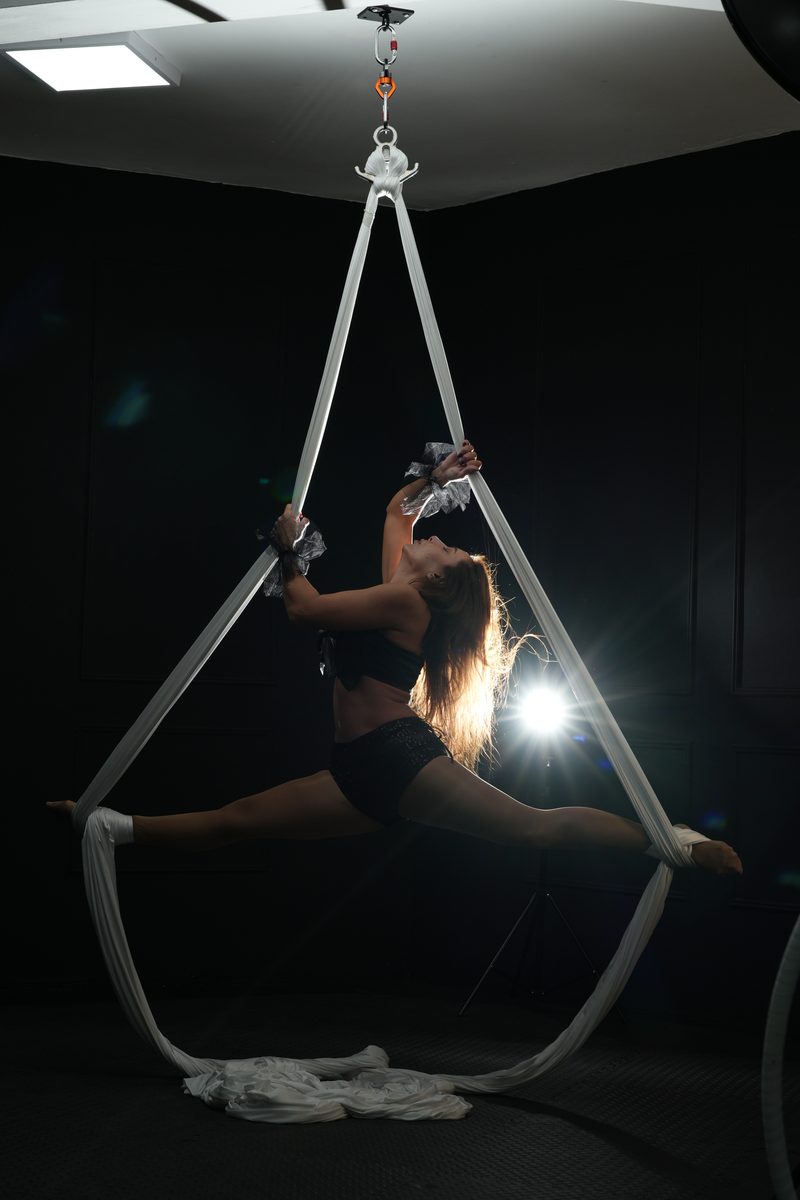
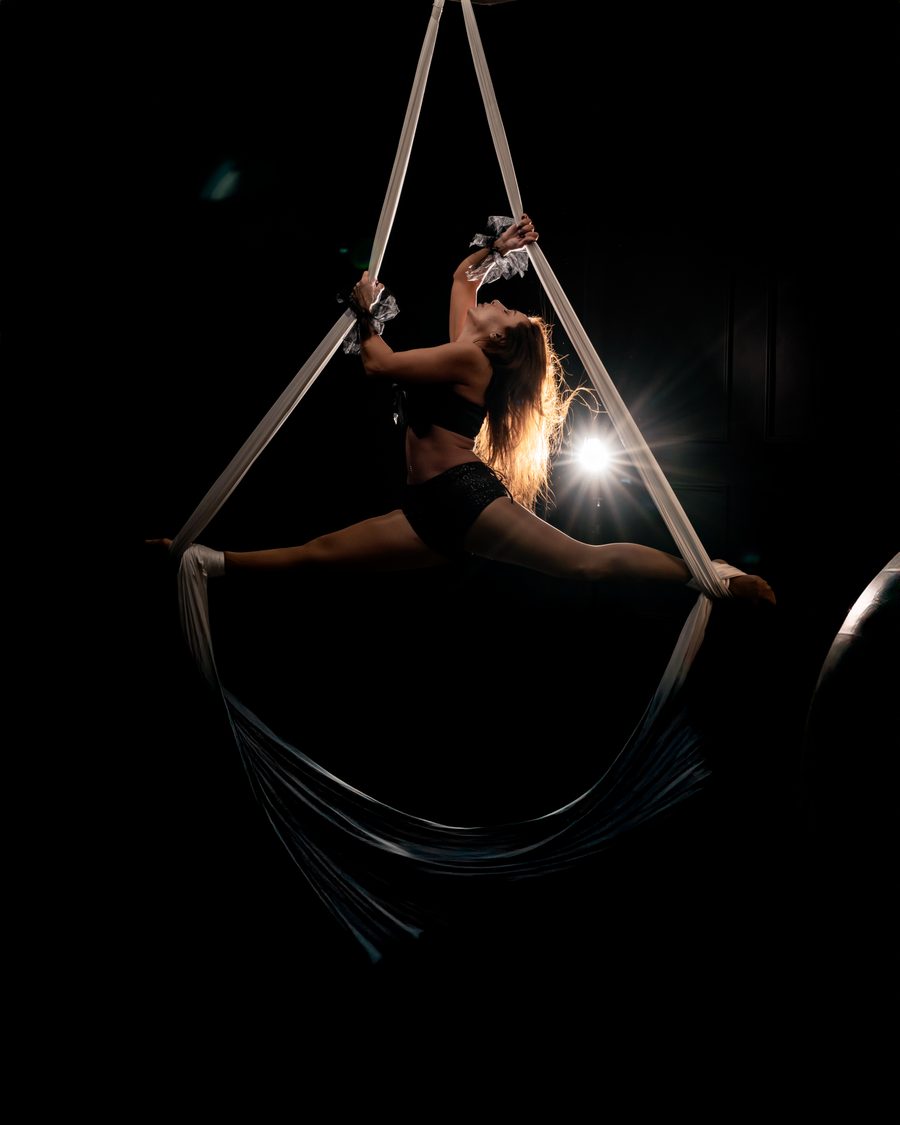
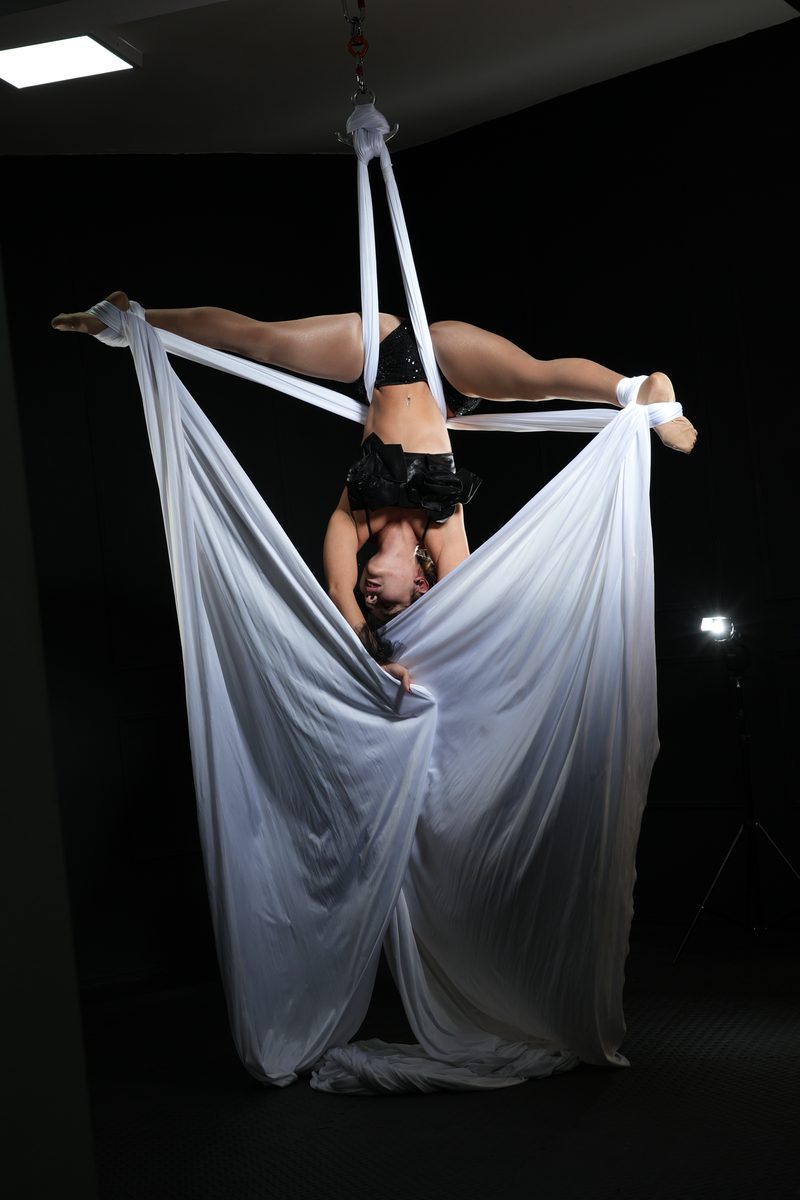
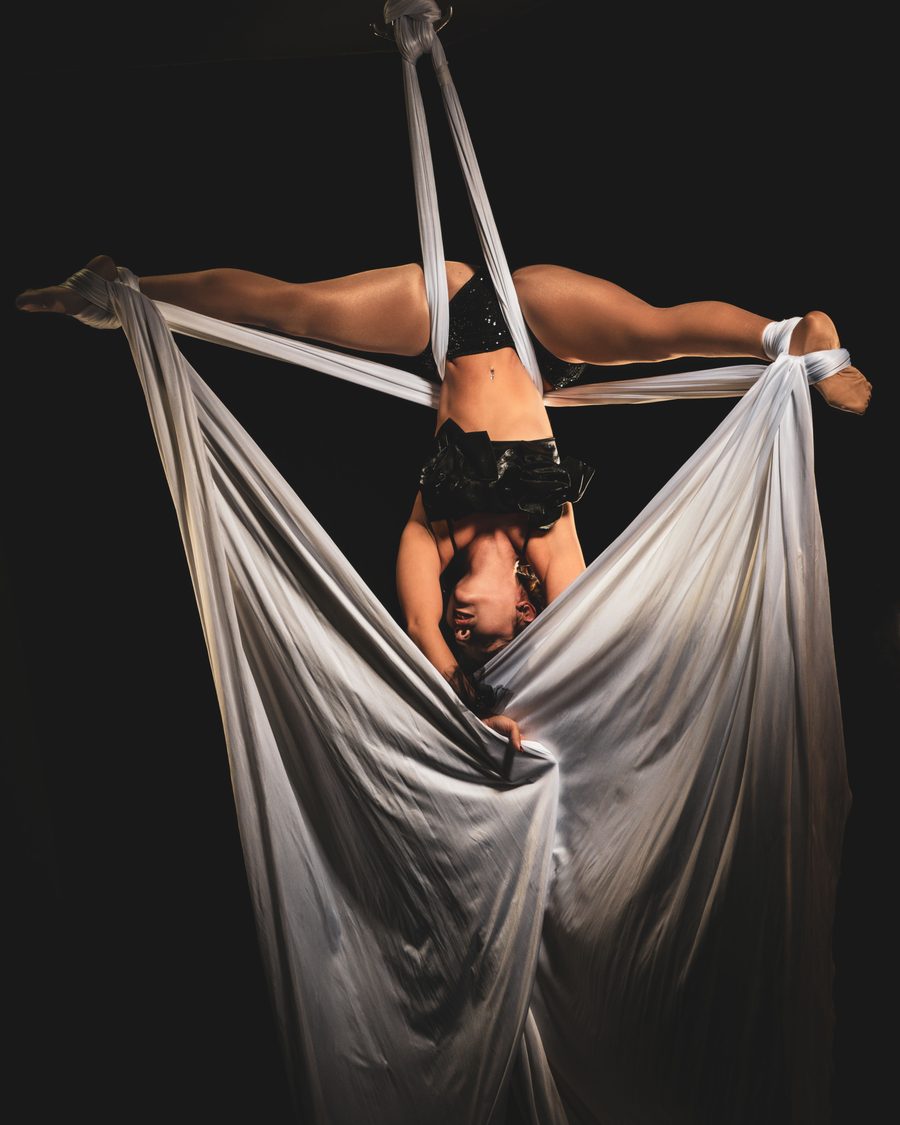
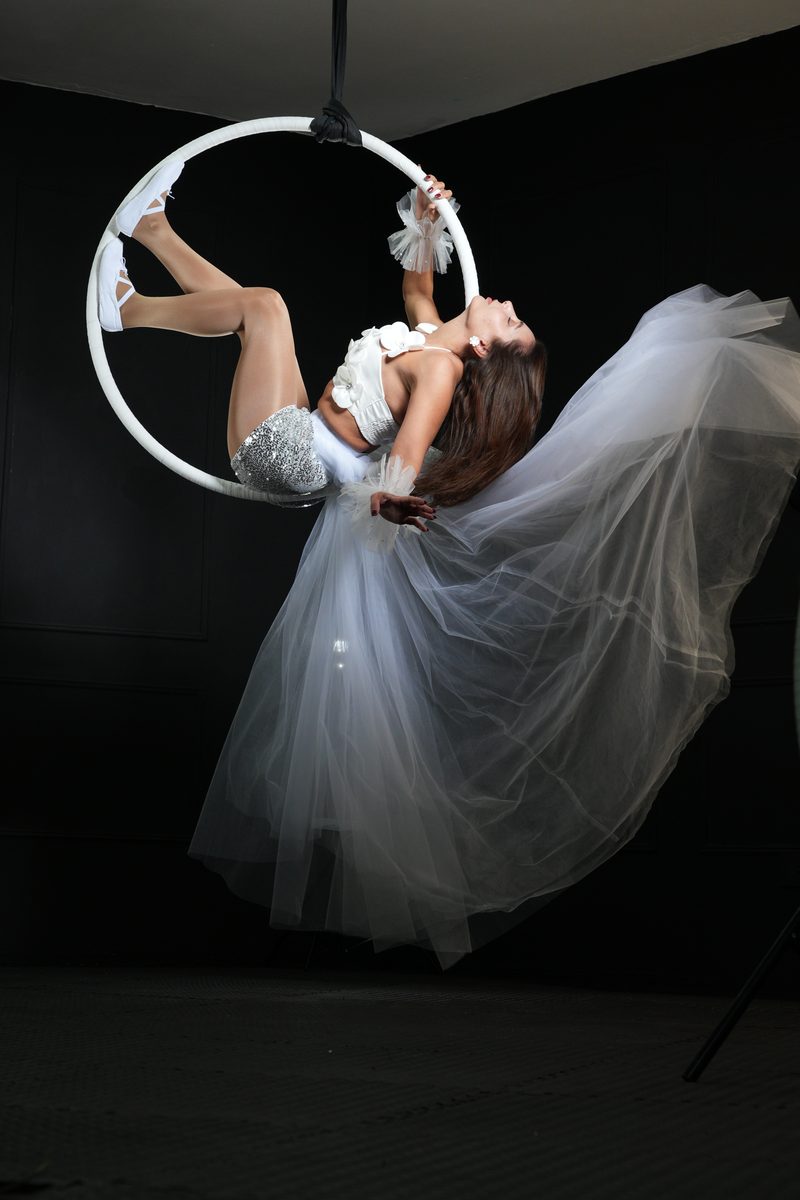
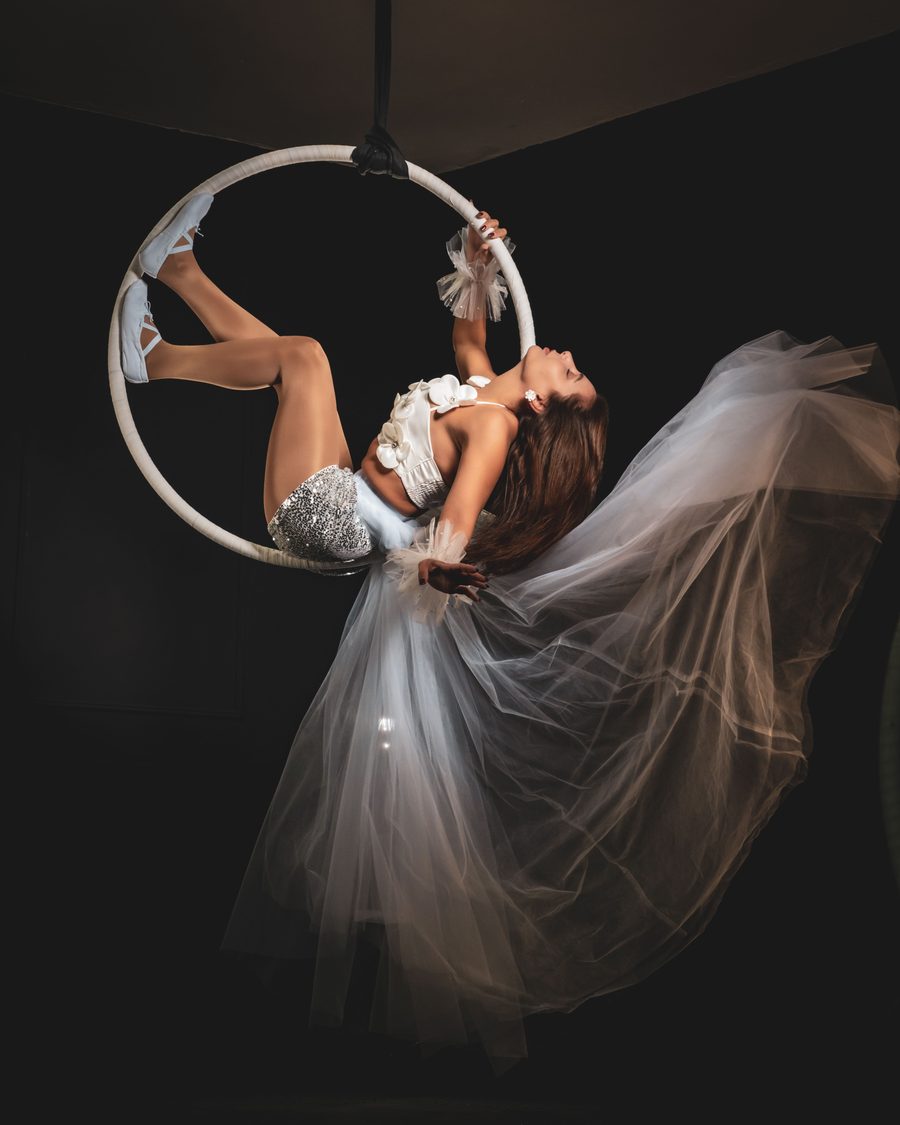
Framed on set for every aspect ratio, then reframed with AI so nothing important gets cropped. Turn on the safe zones to see where each app puts its buttons.